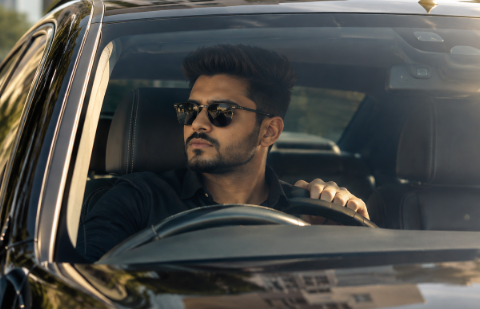
The Timelapse Stylish Pose prompt is behind one of the most eye-catching AI photo trends right now. If you have seen a cinematic portrait where the face is wrapped in bandages while the pose, outfit, and background stay exactly the same, you were looking at this exact ChatGPT prompt in action. In this post, you will get both prompts used to create this look, and you can copy each one with a single click.
You do not need any editing skill to use this prompt. You only need a ChatGPT plan that supports image uploads, one clear photo, and the prompt text below.
What Is the Timelapse Stylish Pose Prompt?
This is a text prompt you paste into ChatGPT along with your photo. Instead of manually editing your image in an app, the AI generates a new cinematic version based on your instructions.
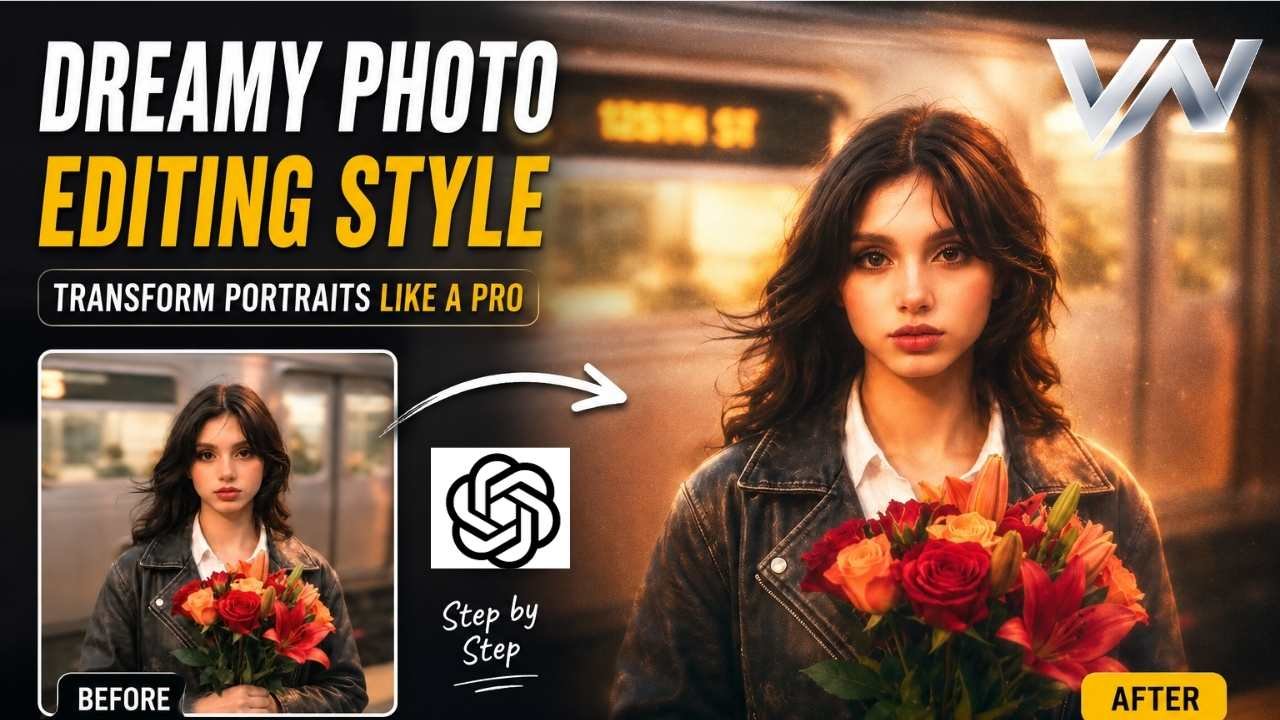
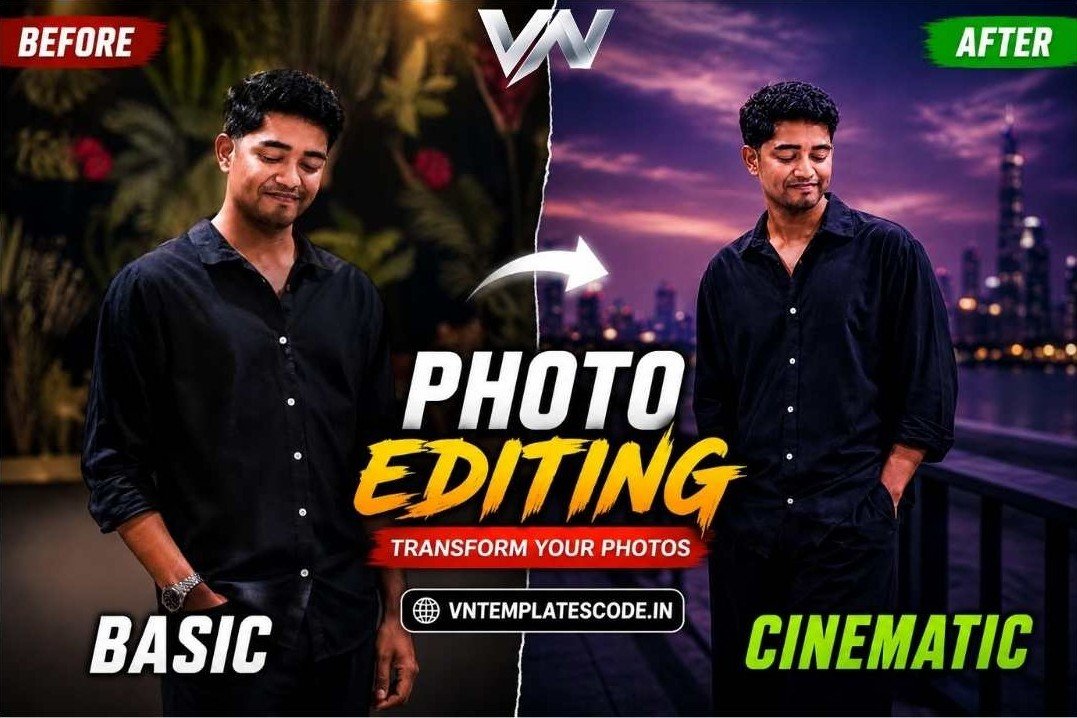
This particular prompt keeps your original pose, posture, hands, clothing, and camera angle exactly the same. It then wraps the face in bandages and applies a dark, moody, cinematic color grade. The result looks like a still frame from a mystery film, which is why creators are stitching several of these edits into a timelapse-style reel.
Prompts
Create an ultra-realistic cinematic portrait using the uploaded photo as the exact reference. Keep the proportions, pose, posture, hands, arms, clothing, accessories, camera angle, composition, and framing completely unchanged. Completely wrap the entire head and face in thick, opaque off-white cotton bandages with overlapping layers. Fully cover the hair, forehead, eyes, eyebrows, nose, cheeks, mouth, jawline, chin, and ears. No facial features, skin, gaps, openings, or recognizable face shape should be visible. Keep the original background unchanged. Apply a dark, moody cinematic color grade to the photo: deep shadows, subtle warm highlights, atmospheric haze, natural HDR, contrast, and fine film grain. Aspect ratio 3:4.
Copied!Create an ultra-realistic cinematic portrait using the uploaded photo as the exact reference. Keep the proportions, pose, posture, hands, arms, clothing, accessories, camera angle, composition, and framing completely unchanged. Completely wrap the entire head and face in thick, opaque off-white cotton bandages with overlapping layers. Fully cover the hair, forehead, eyes, eyebrows, nose, cheeks, mouth, jawline, chin, and ears. No facial features, skin, gaps, openings, or recognizable face shape should be visible. Keep the original background unchanged. Apply a dark, moody cinematic color grade to the photo: deep shadows, subtle warm highlights, atmospheric haze, natural HDR, contrast, and fine film grain. Aspect ratio 3:4.
Copied!How to Use This Prompt: Step-by-Step
Follow these simple steps to recreate this edit yourself.
First, open ChatGPT and start a new chat that supports image uploads. Upload the photo you want to transform.
Next, tap the copy button under Prompt 1 below. This copies the full prompt text to your clipboard.
Then, paste the prompt into the chat box under your uploaded photo and send it.
Once the AI generates the image, review the result. If you want a second variation, use Prompt 2 the same way on a new photo or the same photo again.
Finally, download the generated image and use it in your Timelapse Stylish Pose Prompt edit or reel.
Why This AI Photo Trend Is Going Viral
Mystery and concealment naturally grab attention. A portrait that hides the face but keeps everything else recognizable creates curiosity, which makes viewers stop and look twice.
Because the pose and background stay untouched, the edit still feels personal and specific to the creator. This balance between mystery and identity is why the trend spreads quickly across Reels and Pinterest-style photo pages.
Tips for the Best Result Timelapse Stylish Pose prompt
Use these tips to get a cleaner output from the AI:
Upload a clear, well-lit photo with a simple background, since busy backgrounds can confuse the edit. Use a photo where your pose and hands are fully visible, since the prompt preserves them exactly. Try both prompts on two different photos if you plan to stitch them into a timelapse sequence.
Additionally, regenerate the image once or twice if the first result looks inconsistent. AI image tools often produce a stronger version on a second attempt, More Prompts.
Key Takeaways
This is a free Timelapse Stylish Pose prompt that turns any photo into a cinematic, mystery-style portrait. It keeps your pose, outfit, and background exactly the same while wrapping the face in bandages. Both prompts above can be copied with one click and pasted directly into ChatGPT along with your photo.
Conclusion
The Timelapse Stylish Pose prompt gives you a fast way to create a striking, cinematic photo edit without any manual editing. Copy the prompt, upload your photo, and let the AI do the rest. Try it today and see how dramatic a simple prompt can look.
Is the Timelapse Stylish Pose prompt free to use?
Yes, the prompt itself is free. You only need a ChatGPT plan that supports image uploads.
Which AI tool do I need to use this prompt?
You need ChatGPT with image upload support. Paste the prompt into the chat along with your photo.
Will this prompt change my pose or background?
No, the prompt is written to keep your pose, posture, hands, clothing, and background exactly the same. Only the face gets wrapped and the color grade changes.
Why does my result look different each time?
AI image generation can vary slightly between attempts. Regenerate the image once or twice if the first result looks inconsistent.
Can I use this prompt on any photo?
Yes, but a clear, well-lit photo with a simple background gives the cleanest result.