This flash editing VN code is behind one of the most eye-catching transition styles on Instagram Reels right now. If you have seen a reel where the screen flashes white for a split second between clips, snapping straight into the next scene with the beat, you were watching this exact flash edit style. In this post, you will learn what a flash editing VN template does, how to import the code, and how to turn your own clips into a fast, punchy edit.
You do not need any editing experience to use this template. You only need the VN app, a few clips, and the VN code shared below.
What Is Flash Editing in VN?
A VN Template is a pre-built editing project made inside the VN Video Editor app. Instead of building transitions and timing from scratch, you simply import a code and drop your own clips into it.
Flash editing uses a quick burst of white or bright light between cuts to hide the transition and create a snappy, high-energy feel. Every flash in this template is timed precisely to the beat, so each cut lands with impact instead of feeling random.
Because the flash and timing are already built into the code, your final reel feels fast, sharp, and professionally paced even if you have never edited to a beat before.

Why Flash Editing Is Trending
Flash transitions work because they create a small jolt of visual energy that keeps viewers locked in. Instead of a smooth fade or slide, the sudden brightness snaps attention back to the screen right as the next clip begins.
This style fits high-energy content especially well, which is why creators use it for dance clips, gym content, outfit changes, and fast-paced day-in-the-life edits. Because the effect works across so many content types, this flash editing VN code keeps spreading across different niches.
Template Details at a Glance
| Detail | Information |
|---|---|
| Template Name | Flash Editing VN Template |
| App Required | VN Video Editor (free) |
| Edit Style | Beat-synced flash transitions |
| Clip Slots | 6 to 10 video clips |
| Best For | Dance clips, gym content, fast-paced edits |
| Difficulty Level | Beginner friendly |
| Price | Free |
How to Use This Flash Editing VN Code: Step-by-Step
Follow these simple steps to import and edit this template on your phone.
First, install the VN Video Editor app if you do not already have it. It is free on both the Play Store and App Store.
Next, open the app and tap the plus icon on the home screen, then select Template or Import.
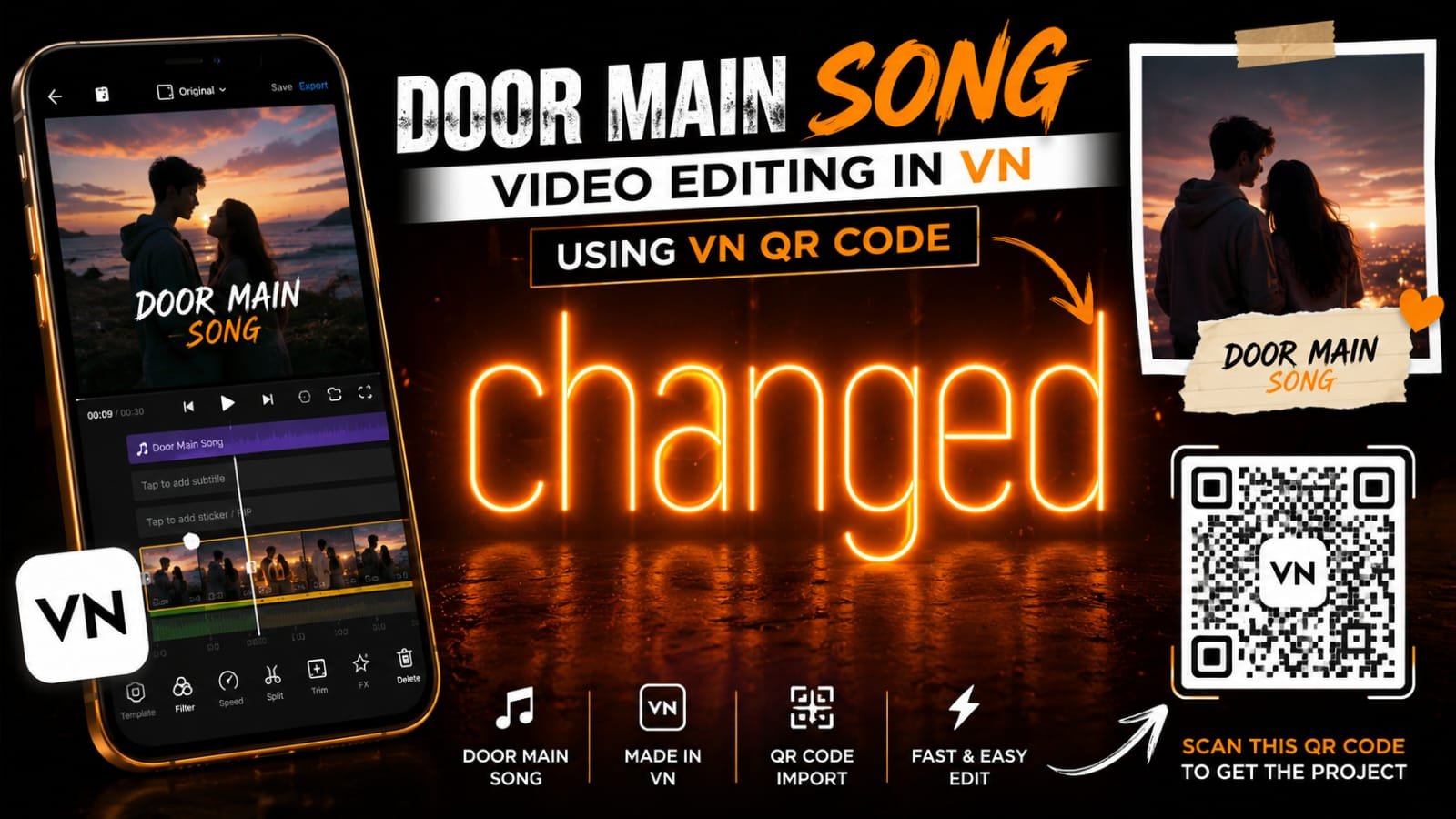
Then, paste the flash editing VN code shared in this post, or scan the QR code if one is provided.
Once the template loads, tap each empty slot. Add your own clips in the order you want them to flash into.
Finally, preview the full edit, check that every flash lands exactly on the beat, and export it in high quality before posting to Reels.
Features of This VN Template
This template includes several features that make editing effortless:
- Beat-synced flash transitions between every clip
- Quick, high-contrast cuts built for fast-paced content
- Pre-applied color grading for a punchy, vibrant look
- Simple slot-based format for quick clip swapping
- Export-ready format optimized for Instagram Reels
Because every flash and cut is pre-timed, you can turn a handful of raw clips into a fast, energetic edit in just a few minutes.
Tips to Make Your Reel Go Viral
Use these tips to boost your reel’s performance after editing:
- Use clips with clear, distinct movement, since flash transitions work best when each cut shows something new.
- Post while the audio is still trending, since early adopters usually get more reach.
- Keep your clips well-lit, since the flash effect can wash out darker footage.
- Post during evening hours when engagement is typically highest.
- Tag anyone who appears in the reel to boost shares and comments.
Common Mistakes to Avoid
First, avoid using too many clips, since flash editing loses impact if the cuts come too fast to follow. Second, do not skip the preview step, because a mistimed flash can throw off the entire beat sync. Third, resist adding extra flash effects on top of the template, since the built-in timing is already tuned for this style.
Key Takeaways
- This flash editing VN code unlocks a free, beat-synced template built around punchy white-flash transitions.
- It works inside the VN Video Editor app and is beginner friendly.
- The template includes pre-timed flashes, vibrant color grading, and simple clip slots.
- You can import it instantly using the VN code shared in this post.
- Posting early while the trend is active can significantly boost your reel’s reach.
Conclusion
This flash editing VN code gives you a fast, high-energy way to make your reels stand out without spending hours editing. Import the code, drop in your clips, and post while the trend is still rising. Try this template today and give your reel that sharp, snappy edge.
FAQs
Is this flash editing VN code free to use?
Yes, this template is completely free. You only need the VN Video Editor app and the code shared in this post.
Which app do I need to open this VN Template?
You need the VN Video Editor app, available free on both the Play Store and App Store.
How many clips does this VN Template need?
Most versions of this template require between 6 and 10 video clips.
Can I use this flash editing VN code on iPhone?
Yes, VN Video Editor works on both Android and iOS, so you can use this template on any smartphone.
Why is my template code not loading?
Make sure you are using the latest code shared in this post and that your VN app is updated to the newest version.
Do I need editing experience to use this template?
No, this template is designed for beginners. The flash transitions are pre-built, so you only need to add your clips.