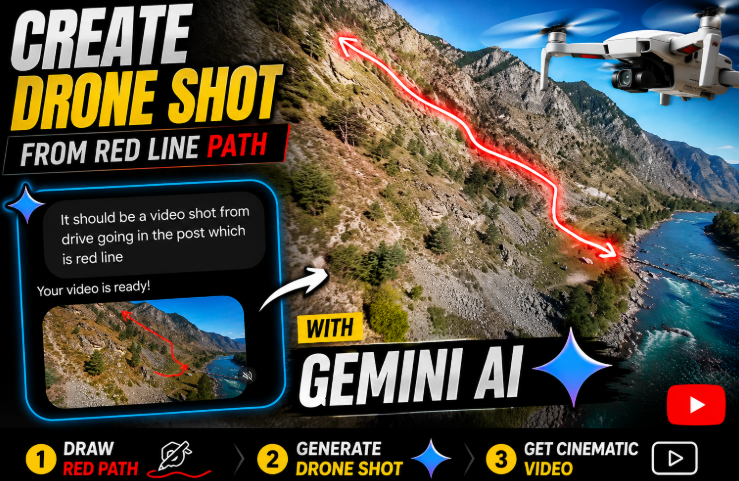
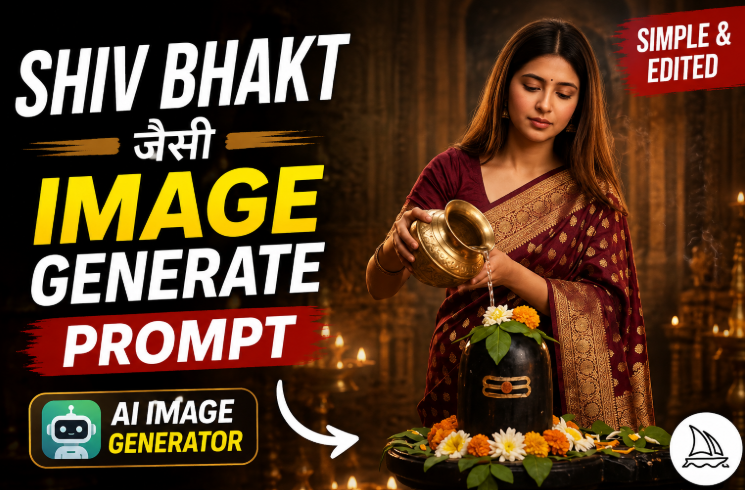
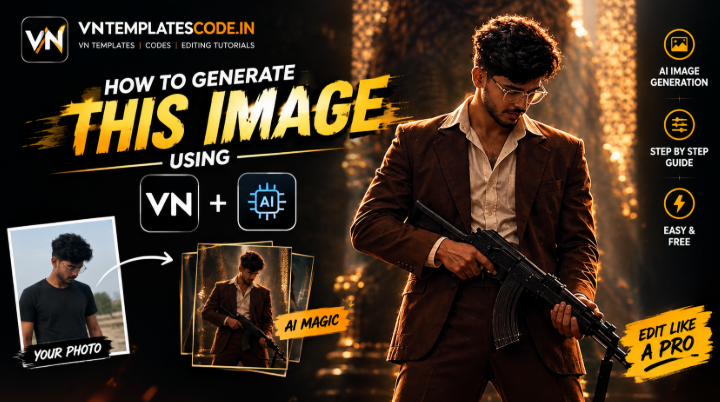
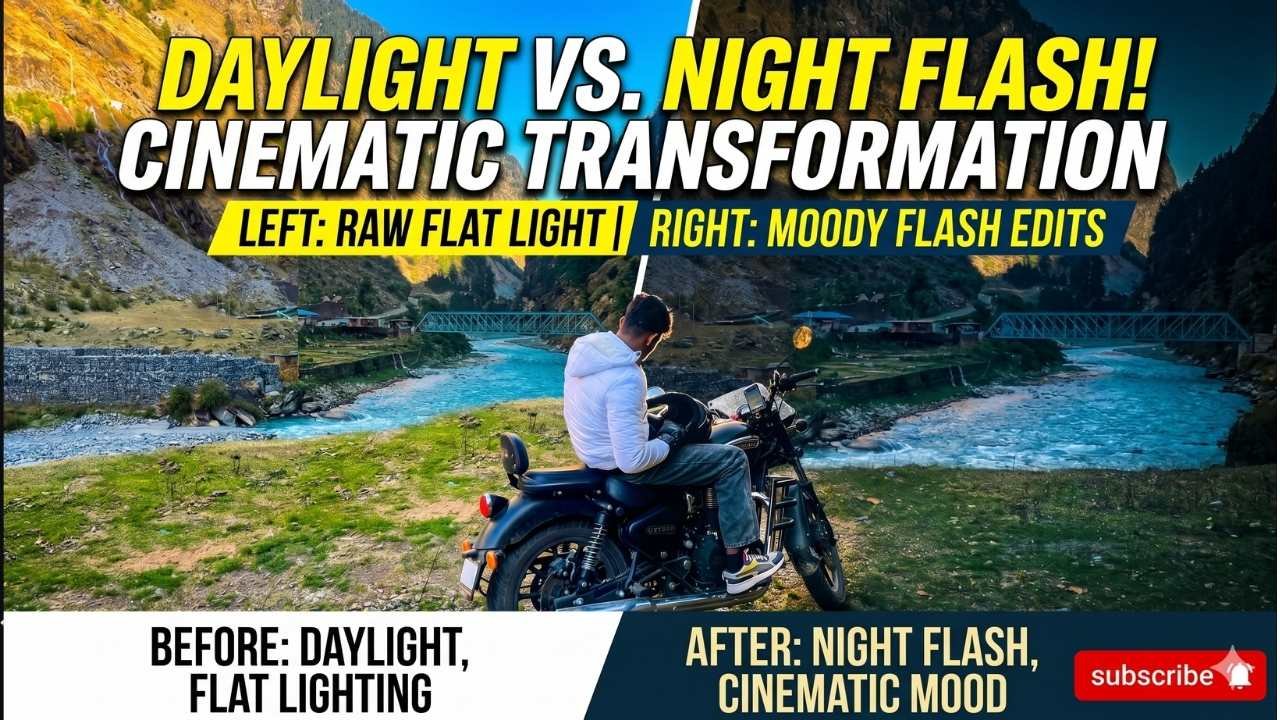
The viral trending dance AI video prompt is one of the hottest ways creators are turning a single photo into a full dance clip without ever filming themselves dancing. Using an AI video tool, you can bring a still photo to life with smooth, rhythmic movement, confident expressions, and cinematic camera work, all synced to a trending beat. In this post, you will get the full prompt, learn how to use it step by step, and understand how to adapt it for Instagram Reels, YouTube Shorts, and trending audio.
You do not need any dancing or editing skill to try this. You only need one clear photo, an AI tool that supports image-to-video generation, and the prompt shared below.
What Is a Viral Trending Dance AI Video Prompt?
A dance AI video prompt is a detailed text instruction you pair with your photo inside an AI video generator. It describes the subject’s movement, expressions, camera angle, lighting, and overall energy you want the final clip to have.
Instead of filming a real dance routine, the AI builds a short, realistic clip based on your photo and your written instructions, timed to match the rhythm and mood of a trending song. The more specific your prompt is about movement style, camera motion, and energy, the more natural and shareable the final result looks.
How to Use This Prompt: Step-by-Step
Follow these steps to create this dance AI video yourself.
First, choose one clear, well-lit photo of yourself, since sharper source photos help the AI preserve your identity and produce cleaner movement.
Next, open an AI-supported image-to-video tool and upload your photo. Tap the copy button under the prompt below to copy the full text to your clipboard.
Then, paste the prompt into the tool along with your photo and generate the video.
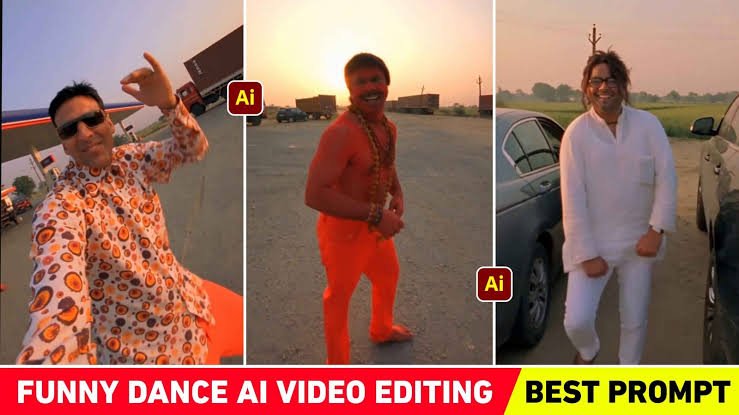
After that, review the result and regenerate if the movement looks unnatural. Finally, add your trending audio track and export the video in a vertical format for social media.
Dance AI Video Prompt
Viral ai video prompt
Use the uploaded video as the EXACT VIDEO REFERENCE and recreate it as closely as possible in vertical 9:16.
IDENTITY
· Reference Image 1 = Person 1
· Reference Image 2 = Person 2
· Reference Image 3 = Person 3
Keep all three identities strictly locked to their respective images. Preserve exact face, facial structure, hairstyle, hairline, skin tone, body proportions and overall appearance. Never swap, merge, beautify, redesign or reinterpret their faces.
VIDEO MATCH
Copy the reference video’s exact shot sequence, timing, pacing, camera movement, camera angle, distance, framing, composition, subject positions, gestures, expressions, walking direction, interactions and transitions.
Do not add, remove or rearrange actions.
CAMERA & MOTION
Match the same handheld smartphone-camera look and natural human movement. Keep realistic hands, fingers, body motion, facial expressions and motion blur. No robotic movement or body deformation.
REALISM
Photorealistic
Why This AI Dance Trend Is Going Viral
Dance content consistently performs well because it is high-energy, rhythmic, and instantly engaging, even in just a few seconds. Viewers respond to confident movement and expression, especially when it is synced tightly to a trending beat.
Because this prompt lets anyone generate a polished, natural-looking dance clip from a single photo, it removes the biggest barrier to this kind of content, which is actually knowing how to dance or having someone film you.
Adapting This Prompt for Instagram Reels
Instagram Reels and Shorts perform best with vertical video, so keep a 9:16 aspect ratio when generating your clip. Focus on strong, trending audio, since the movement in the prompt is written to sync naturally with a beat.
Keep your main subject clearly centered and visible throughout the video, and avoid overcomplicating the background, since a clean setting keeps attention on the movement.
Tips for Better AI Dance Videos
Use these tips to get a cleaner, more natural result:
Keep your prompt detailed but organized, clearly stating the movement style, camera motion, lighting, and aspect ratio. Use a high-quality, front-facing source photo whenever possible. Describe only the movement and energy you want added, rather than asking the AI to redesign the entire scene. Generate a few versions and pick the one with the smoothest, most natural motion.
Common Mistakes to Avoid
First, avoid vague prompts that only mention “dancing” without describing movement style, camera angle, or energy, since the AI needs specific detail to produce a polished result. Second, do not skip reviewing the generated video before exporting, since occasional distortions or unnatural movement are common in AI video generation. Third, resist overcrowding the prompt with too many conflicting instructions at once, since a few clear, well-placed details usually look more natural than many competing ones.
Key Takeaways
A viral trending dance AI video prompt turns a single photo into a rhythmic, cinematic dance clip using detailed text instructions. The prompt above is written to feel natural and camera-ready without requiring any real dancing or filming. This style adapts well for Reels, Shorts, and any trending-audio content. Specific, detailed prompts about movement, camera angle, and energy produce the most polished results.
Conclusion
A well-written dance AI video prompt can turn a simple photo into an energetic, shareable Reel without any filming or dance experience. Copy the prompt above, upload your photo, and adjust the details to match your own style. Try it today and see how much impact a detailed, well-structured prompt can have on your content.
FAQs
Is this dance AI video prompt free to use?
Yes, the prompt itself is free. You only need an AI tool that supports image-to-video generation.
Do I need to actually know how to dance to use this prompt?
No, the AI generates the movement for you based on the prompt’s instructions. You only need a clear photo.
Why does my generated video look distorted?
AI video tools can occasionally distort movement or facial details. Regenerate the clip once or twice for a cleaner result.
Can I change the song or energy style in the prompt?
Yes, you can edit details like the movement style, tempo, or mood directly in the prompt text before pasting it into your AI tool.
What aspect ratio should I use for Instagram Reels?
Use a 9:16 vertical aspect ratio for the best fit on Reels and Shorts.
How long does the generated video usually last?
Most AI video tools generate short clips of a few seconds, which work well for Reels or Shorts.