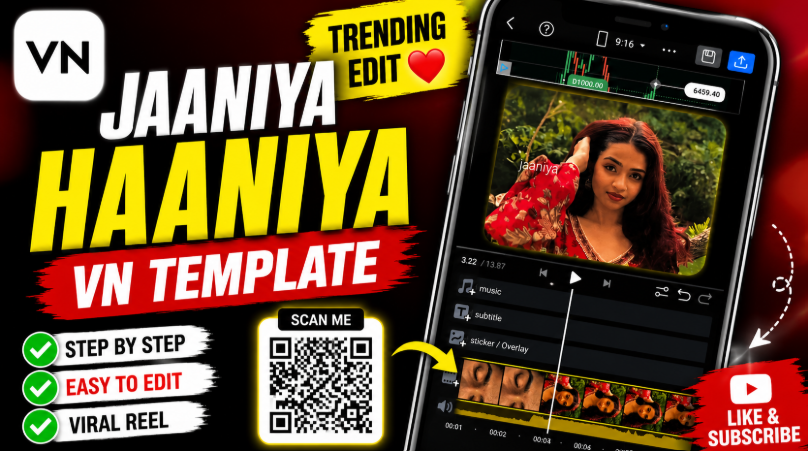
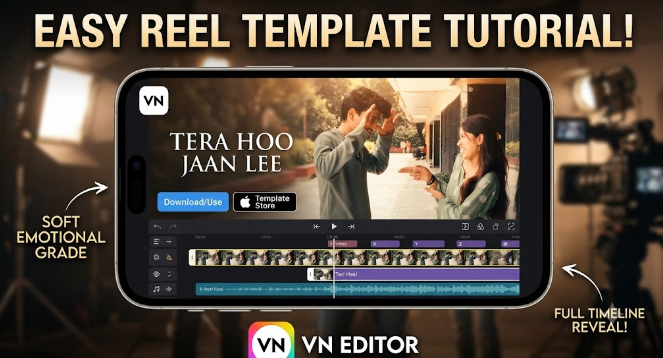
Scrolling through Instagram Reels, you have probably noticed fast, punchy edits that switch scenes on every beat. Most of those clips start with a VN template QR code, not hours of manual editing. This guide shows exactly how creators use a VN template QR code to build viral speed clip videos in minutes, even with zero editing experience.
By the end of this post, you will know how to scan the code, drop in your own clips, and export a reel that looks professionally made. We will also cover the trending speed clip style, plus tips, common mistakes, and quick answers to frequent questions.
What Is a VN Template QR Code
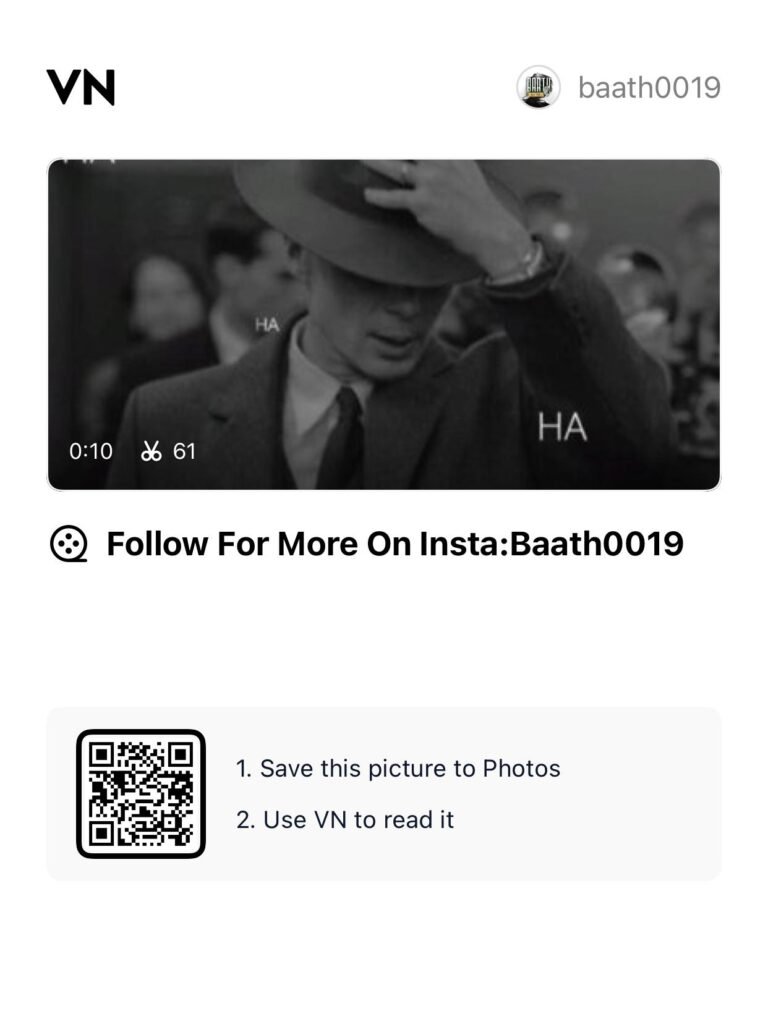
A VN template QR code is a small scannable image linked to a ready-made video project inside the VN Video Editor app. Instead of building transitions, text, and effects from scratch, you simply scan the code.
The app then imports the whole project, including cuts, transitions, filters, and music timing. You only need to swap in your own photos or clips. This is why VN template QR codes have become so popular among Reels and Shorts creators.
Every template creator can also decide whether users may edit the timeline further. Some codes lock the structure completely, while others allow full customization. Either way, the heavy editing work is already finished for you.
Where to Find Trending VN Template QR Codes
Template sites, Instagram creators, and YouTube tutorials all share fresh codes daily. Look for posts tagged with the song name or trend you want to recreate.
Many creators post a screenshot of their template QR code directly in the caption or comments. Others link out to a dedicated template page where you can browse by category, such as love, gym, travel, or comedy.
Before downloading, check the upload date. VN keeps updating its features, so newer templates usually sync better with the latest app version.
Searching hashtags like VN template, VN code, or reels template on Instagram also surfaces fresh options daily. Save a few favorites so you always have a backup style ready for your next upload.
Is It Safe to Scan a VN Template QR Code
Scanning itself is safe, since the code simply opens a project inside the official VN app. However, the source of the code still matters.
Stick to well-known template sites, verified creator accounts, or the official app’s built-in Discover tab. You can also check VN’s official help center (https://vlognow.me/help/templates/use-template/) for guidance on templates. Avoid random links that force you to download a separate scanner app or an unofficial APK file.
Also, only install VN Video Editor from the Google Play Store or Apple App Store. This keeps your device protected while you enjoy fast, template-based editing without extra risk.
Why Speed Clip VN Templates Are Trending Right Now
Short attention spans reward fast cuts, and that is exactly what speed clip edits deliver. A speed clip template stitches together many short clips, often six to ten, synced tightly to a trending beat or a funny sound.
The playful haha style speed clip trend is a great example. Creators pack quick, comedic reaction shots or everyday moments into a rapid-fire sequence, timed to a fun audio drop. The result feels chaotic in the best way, and viewers rarely scroll past it.
Because a VN template QR code already contains the timing, you never need to manually sync each cut to the beat. As a result, speed clip editing stays accessible even for absolute beginners.
Meanwhile, VN keeps refreshing its library with new speed ramps, keyframe presets, and beat-sync tools. So the trend keeps evolving, and fresh templates appear almost every week.
Step by Step: How to Use a VN Template QR Code
Follow these steps to turn any template code into your own finished reel.
- Install the VN Video Editor app (https://play.google.com/store/apps/details?id=com.frontrow.vlog) from the Google Play Store or Apple App Store.
- Find a template you like from a template site, Instagram post, or YouTube description.
- Save the QR image to your phone gallery, either by screenshot or direct download.
- Open the VN app and tap the scan icon in the top right corner.
- Select the saved image from your gallery.
- Tap “Use Template” once the app recognizes it.
- Add your own photos or video clips into the template’s empty slots.
- Preview the timeline, then adjust text, music, or filters if the creator allowed edits.
- Export in your preferred resolution and share directly to Reels, Shorts, or TikTok.
Altogether, the process usually takes less than five minutes. That speed is exactly why scanning a VN template QR code has replaced manual editing for so many casual creators.
VN Template QR Code Versus Manual Editing
The table below compares scanning a ready-made code against manually rebuilding the same edit from scratch.
| Task | Using a VN Template QR Code | Manual Editing |
|---|---|---|
| Time needed | Two to five minutes | Thirty minutes or more |
| Beat syncing | Already timed for you | Requires manual adjustment |
| Skill level | Beginner friendly | Intermediate to advanced |
| Consistency | Matches the original style exactly | Depends on personal skill |
| Best for | Quick trending reels | Fully custom projects |
How to Build Your Own Speed Clip Edit
Once you feel comfortable importing templates, try building a speed clip edit yourself. Start by choosing a trending audio track with a clear, punchy beat drop.
Next, trim six to eight clips down to their most interesting one or two seconds. Shorter clips almost always feel more energetic than longer ones. Place each clip on the beat using the app’s timeline markers.
Add a speed ramp on your final clip for extra impact, since a quick slow-motion moment often makes the ending feel more satisfying. Finally, export your finished project as a new template so other creators can scan and reuse your style too.
Tips for Viral Speed Clip Edits
- Pick trending audio before choosing clips, since sound usually drives the algorithm.
- Keep each cut under one second for genuine speed clip energy.
- Add bold, minimal captions instead of long text blocks.
- Match brightness and color tone across every clip for a polished look.
- Export at 1080p or higher for crisp playback on Reels and Shorts.
- Test a few different templates before settling on one final style.
Common Mistakes to Avoid
- Skipping the “Allow to Edit” check, then getting stuck with a locked timeline.
- Using low-resolution clips that look blurry once exported.
- Ignoring the original beat timing, which throws off the entire edit.
- Adding too much text, which clutters a fast-paced speed clip style.
- Forgetting to update the app, since older versions may not scan newer codes properly.
Key Takeaways
- A VN template QR code lets you import a complete, pre-timed video project instantly.
- Speed clip edits work well because these templates already match the beat.
- Scanning takes minutes, while manual editing can take thirty minutes or longer.
- Always check whether a template allows further editing before you start.
- Trending audio and short, punchy cuts drive most successful speed clip reels.
Conclusion
A VN template QR code turns complicated editing into a simple scan-and-go process. Whether you want a cinematic love story reel or a chaotic speed clip edit, the right template handles most of the work for you.
Start with one trending VN template QR code today, add your own clips, and export your first viral-ready reel. Once you see how fast it works, you will never want to edit from scratch again.
FAQs
What is a VN template QR code?
A VN template QR code is a scannable image that opens a ready-made video project inside the VN Video Editor app, complete with transitions, text, and timing already set.
How do I scan a VN template QR code?
Open the VN app, tap the scan icon in the top right corner, then select the saved QR image from your gallery to import the template automatically.
Are VN template QR codes free to use?
Most codes shared by creators and template sites are free, though some premium marketplaces sell exclusive templates for a small fee.
Can I edit a VN template after scanning it?
Editing depends on the creator’s settings. If they enabled “Allow to Edit,” you can adjust clip order, text, and transitions. Otherwise, only the media can be replaced.
What is a speed clip VN template?
A speed clip VN template is a fast-cut style edit that stitches together several short clips, tightly synced to a trending beat for a high-energy, viral look.
Does the VN template QR code trick work on iPhone?
Yes. The VN Video Editor app is available on both Android and iOS, so you can scan and use any template code from either platform.