The “UP Wali Laiki Se Pyar” CapCut template is a Bhojpuri-style romantic edit that is spreading across Instagram Reels and YouTube Shorts. It gives your photos and clips a bold, desi love-story feel, with the beat of the song driving every cut. It works well for couple reels, crush edits, and “pyar” moments. In this post, you will learn what the template is, which photos and clips work best, and how to use it step by step.
You do not need any editing skill. You only need the CapCut app, a few of your own photos or clips, and the template link in this post.
What Is the UP Wali Laiki Se Pyar CapCut Template?
A CapCut template is a ready-made edit. The music, transitions, and effects are already set up, and you only add your own photos or clips. CapCut then builds the video for you.
This template is built around a Bhojpuri love-song style. The cuts are timed to the beat, and the overall look is energetic and romantic. It suits couple edits, birthday and anniversary reels, and personal “love story” content.
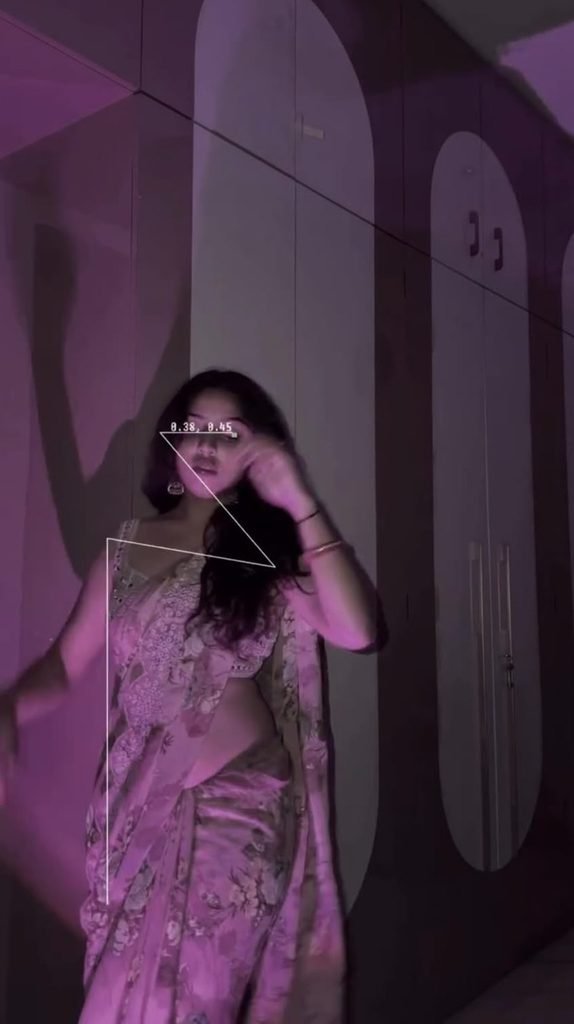
Why This UP Wali Laiki Se Pyar CapCut Template Is Popular
Bhojpuri songs have a large audience on Reels, and love-themed edits are easy to relate to and share. People like to tag their partner or send the reel as a surprise. A template lets you join the trend quickly without spending hours on timing and transitions.
Template Details at a Glance
Template Name: UP Wali Laiki Se Pyar CapCut Template
App Required: CapCut (free)
Edit Style: Bhojpuri, romantic, beat-synced cuts
Input: Photos and short video clips
Best For: Couple reels, crush edits, birthdays, anniversaries
Difficulty Level: Beginner friendly
Price: Free
How to Use the UP Wali Laiki Se Pyar CapCut Template: Step-by-Step
First, install the CapCut app if you do not already have it.
Next, tap the template link in this post. It should open the template inside CapCut with a preview.
Then, tap “Use Template” and add your photos or clips in the empty slots.
After that, tap “Next” and wait while CapCut builds the video.
Finally, review the result, adjust anything you want, and export.
You can also open CapCut, go to the “Discover” tab, and search for “UP Wali Laiki Se Pyar.”
If the Template Does Not Open
Some templates are not available in every region. If the link does not work, try again later, update CapCut, or open the link from your phone browser.
Which Photos and Clips Work Best?
Choose clear, bright photos where the person is smiling or looking at the camera. Mix solo shots and couple shots for variety. Add a few short clips with movement, such as a smile, a walk, or a laugh, so the edit feels alive. Put your best photo in the first slot, because the opening decides whether people keep watching.
Tips for the Best Result
Use photos with similar lighting and colors so the edit looks consistent. Avoid dark or blurry shots, since quick cuts make weak photos obvious. Keep faces centered so they are not cut off by the transitions. Post on a special day or while the song is trending, and keep your caption short.
Common Mistakes to Avoid
First, avoid using too many similar photos in a row. Second, do not skip the preview, since one badly placed photo can break the beat sync. Third, avoid adding extra effects on top, because the template is already tuned to the song.
Also, only post photos of someone with their permission.
Key Takeaways
The UP Wali Laiki Se Pyar CapCut template is a free Bhojpuri romantic template made for beat-synced couple reels. It works in the CapCut app and needs no editing skill. Bright, clear photos and a strong first shot give the best result.
Conclusion
The UP Wali Laiki Se Pyar CapCut template turns a few photos and clips into a bold, romantic reel in minutes. Tap the link, add your best moments, and export. Try it while the song is still trending.
Disclaimer: This site is not affiliated with CapCut. All trademarks belong to their owners, and only publicly available template links are shared.
FAQs
Is this CapCut template free?
Yes. You only need the CapCut app and the template link.
Can I use photos and videos together?
Yes, most slots accept both photos and short clips.
How many photos do I need?
It depends on the template version. The preview in CapCut shows how many slots there are.
Why won’t the template link open?
It may be unavailable in your region. Try again later, update CapCut, or search for the name in the Discover tab.
Does it work on iPhone and Android?
Yes, CapCut is available on both.
Can I use it for friends or family?
Yes. The template works with any photos, not just couple photos.